
One idea. Many ways forward.
Creovanta is a quiet AI creation studio for turning a spark into something you can share. Start with reusable creative recipes, direct fluid motion on the Creative Workbench, and keep every creation close in your personal history.
Four Focused Ways to Create
Creovanta eliminates clutter and keeps inputs purposeful with one primary upload, transparent dials, and intuitive pathways.
Text to Image
Turn a written idea into a finished image. Guide rich palettes, papercraft textures, and evocative compositions with expressive text prompts.
Text to Video
Describe a scene, movement, and mood to create video. Direct smooth camera sweeps, atmospheric lighting, and organic physics across every frame.
Image to Image
Upload one reference image and reshape it in a new visual direction. Re-render textures while anchoring your subject’s core anatomy and contours.
Image to Video
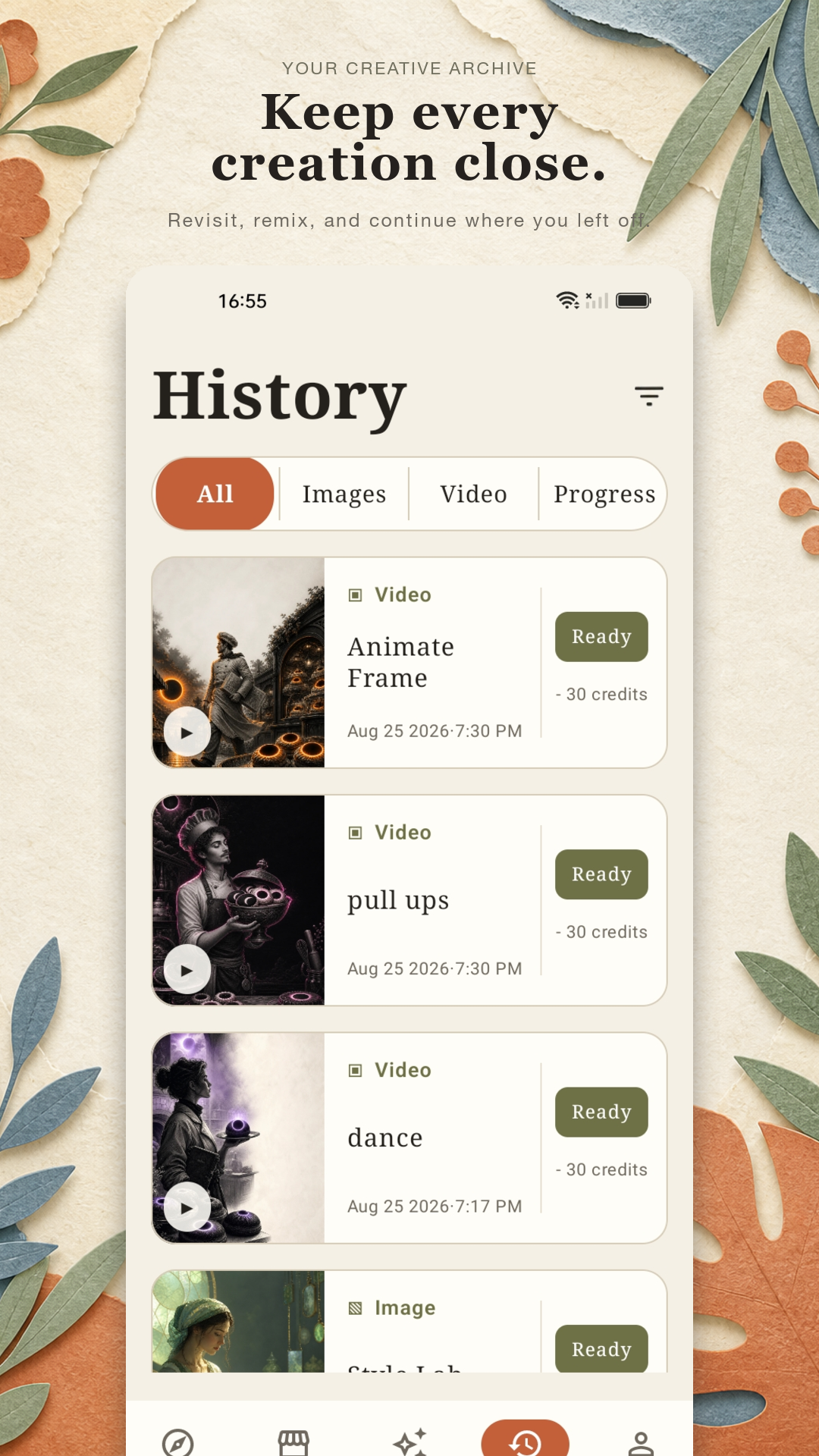
Bring a still image to life with motion. Breathe life into botanical prints, nostalgic photographs, or character portraits with gentle cinematic loops.
More than Pictures: Reusable Starting Points
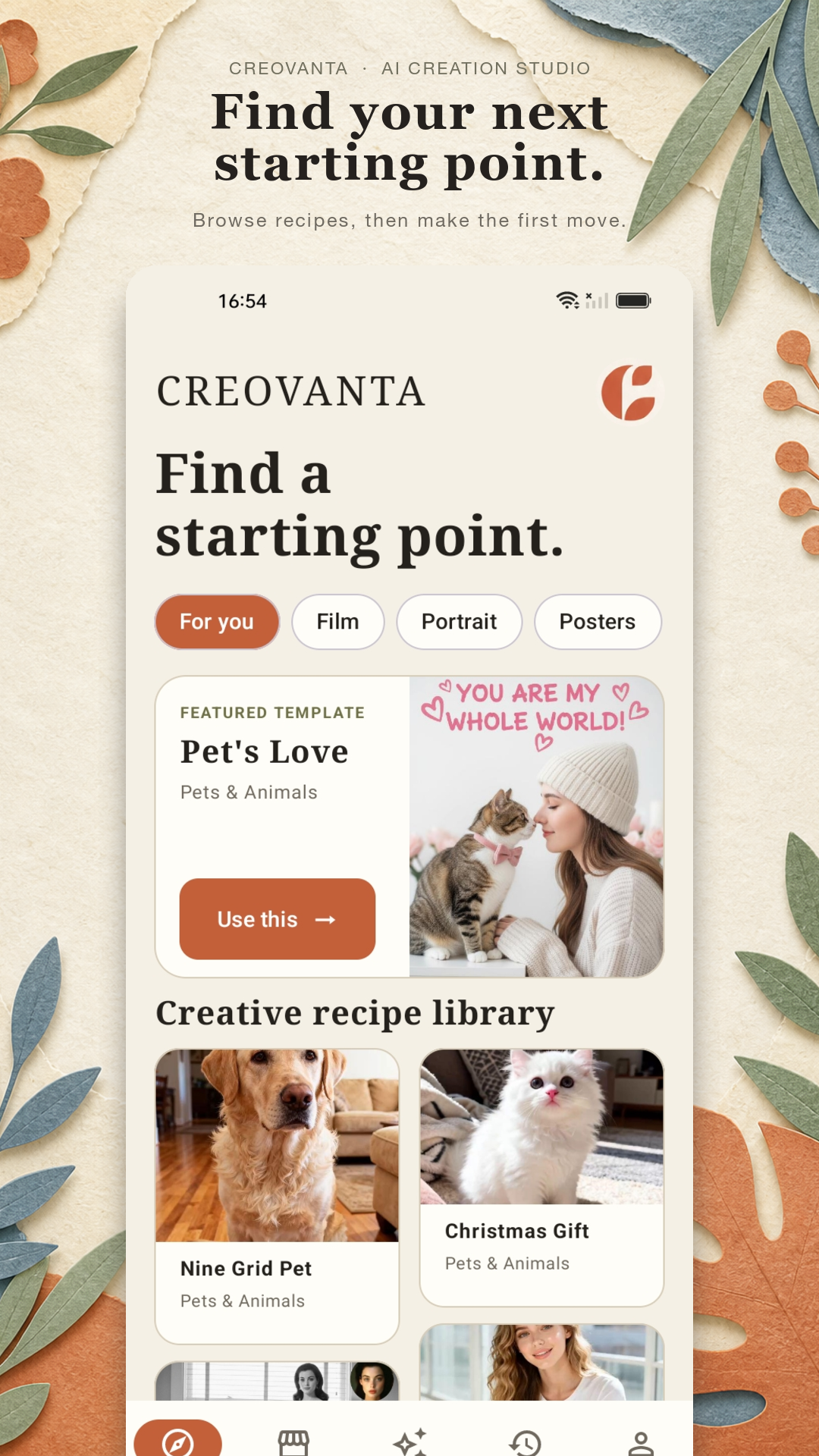
Browse a growing collection of templates in Discover. Each template is more than a picture: it is a reusable creative starting point with a curated visual direction, pre-tuned settings, and a clear path to make your own version.
- Curated Categories: Switch effortlessly between For you, Film, Portrait, Posters, and Pets & Animals.
- Pre-Wired Settings: Carry recipe seeds, aspect ratios, and model prompts directly into the studio workbench.
- Single-Tap Application: Hit "Use this" on featured cards like Pet's Love or Nine Grid Pet to start making right away.
- Tactile Paper Atelier: Experience warm paper collage details, torn-edge frames, and timeless editorial typography.
Motion Studio: Move a Scene Forward
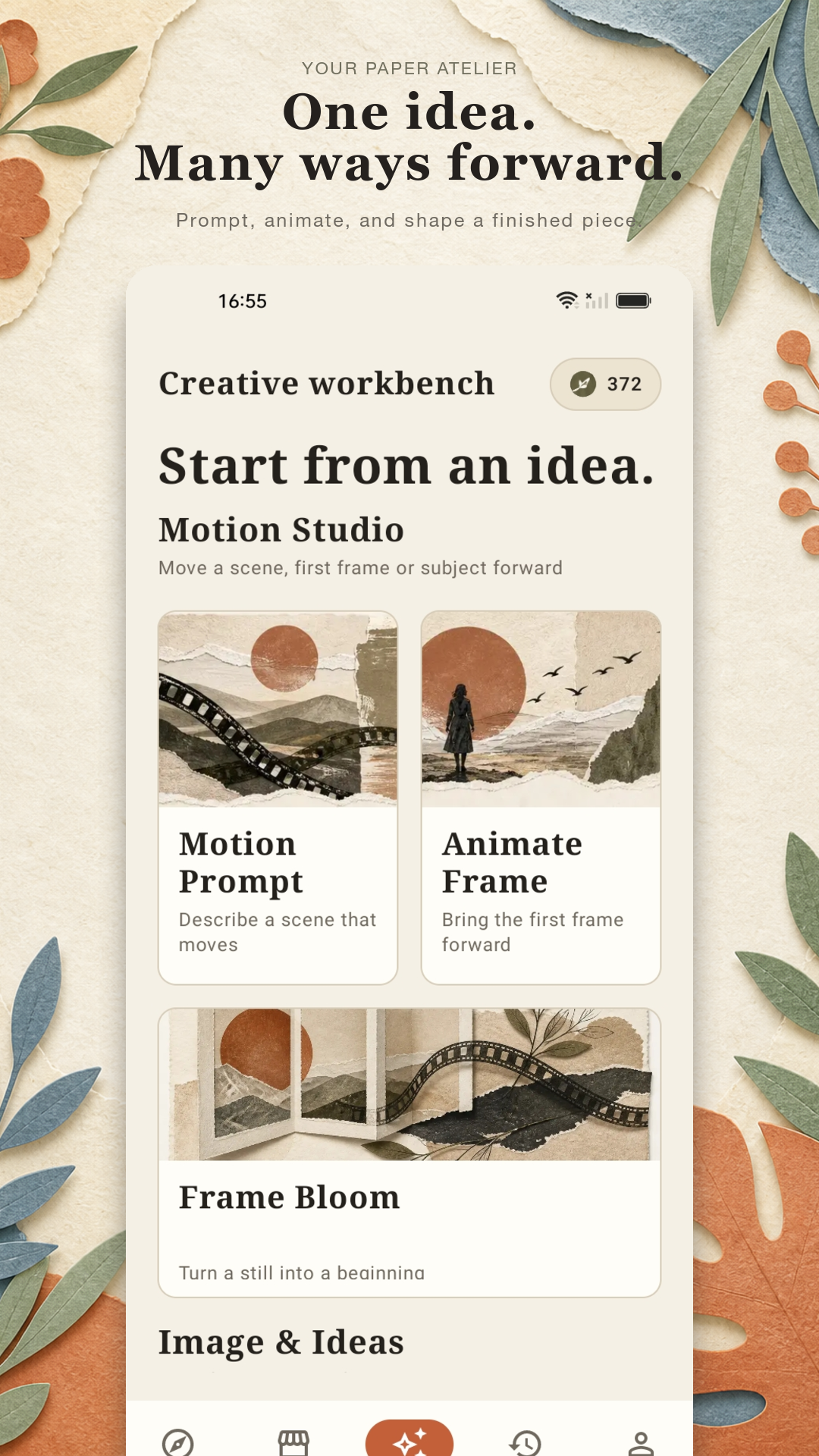
When inspiration strikes, the Creative Workbench provides dedicated suites for Motion Prompts, Animate Frame, and Frame Bloom. Connect your own images or build from blank canvases with zero friction.
- Motion Prompt: Describe dynamic scenes with cinematic timing and movement parameters.
- Animate Frame: Bring the first frame forward into living, looping video motion.
- Subject Reference Pinning: Keep human facial likeness and character identity intact across animations.
- Transparent Credit Cost: Know exact point deductions (e.g. 30 credits) before launching the render engine.
Keep Every Creation Close in History
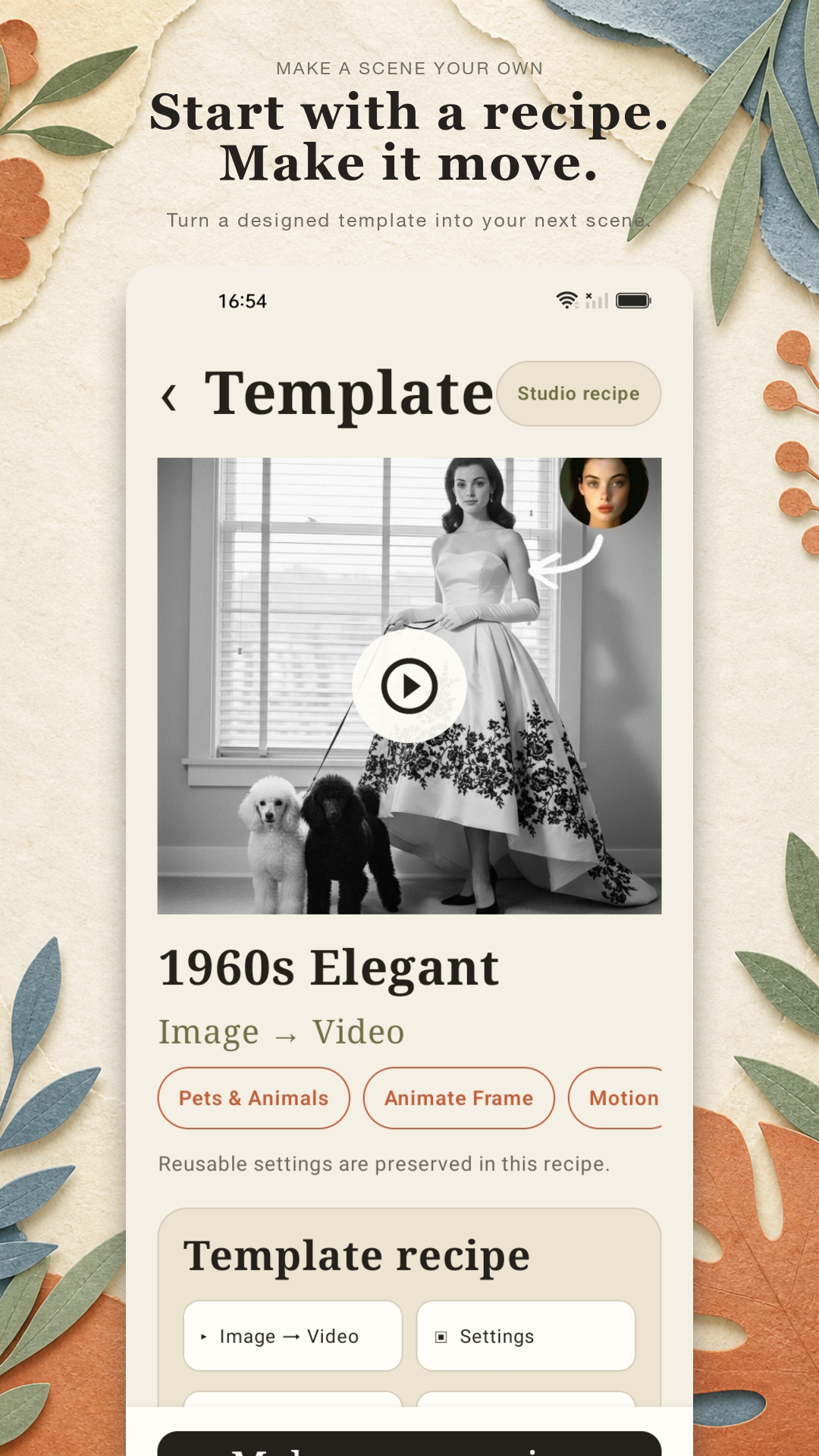
History keeps your images and videos in one calm atelier drawer. Review source prompts and recipe settings, stream video in-app, enter full-screen mode, and download master files directly to your device storage.
- Smart Media Filtering: Filter by All, Images, Video, or active Progress jobs.
- Integrated Video Player: Tap the play icon on any ready render to stream clips natively with zero external players needed.
- Recipe Telemetry Inspection: Re-examine exact prompt seeds, timestamps, and credit accounting.
- Direct High-Res Export: Save uncompressed PNG master artwork and MP4 video clips directly to your phone.
Discover & Select Recipe
Browse curated papercraft, portrait, and cinematic recipes in Discover. Pin your visual starting point or start clean from a custom prompt.
Workbench & Motion Studio
Select your path (Text to Image, Text to Video, Animate Frame), fine-tune frame ratios and creative strength, and review credit deductions.
Archive, Play & Export
Your finished creation lands in History with the olive "Ready" seal. Watch clips with native playback, review recipe settings, or export uncompressed files.
Crafted with Quiet Intention
A tactile Paper Atelier visual language: warm paper, editorial typography, and handmade collage details around a focused creation flow.
Discover Starting Points
Curated templates and reusable recipes
Creative Workbench
Motion Prompt, Animate Frame & Bloom
Studio Recipe Studio
Image to video settings and credit review
History Archive
In-app video playback and master exports